
Webflow vs WordPress for International Websites: Which Fits a Multi-Market Brand?
Webflow vs WordPress for International Websites: Which Fits a Multi-Market Brand?

For international websites, WordPress usually fits brands that need ecommerce, many languages or large content teams, while Webflow fits design-led marketing sites with a few languages and a small editing team. Webflow’s Localize add-on is billed per locale and can’t be added to Ecommerce Site plans. WordPress handles languages through plugins such as WPML or Polylang and gives more control over hosting, URLs and SEO.
Webflow and WordPress are both capable of running a multi-language site, but they take opposite approaches. Webflow is a hosted visual platform where localization is a paid feature built into the product. WordPress is open-source software that runs on hosting the brand chooses, with multilingual functionality added through plugins.
Most comparisons focus on ease of use and design control for a single-language site. This one looks at the factors that change once a site serves several markets: language and region handling, URL structure, hosting location, ecommerce, team editing and cost as locales are added.
How Do Webflow and WordPress Compare for International Websites?
WordPress offers more flexibility for complex multi-market sites, and Webflow offers a simpler, managed setup for marketing sites with fewer markets. The table below compares the two on the factors that matter most for international builds.
| Factor | Webflow | WordPress |
|---|---|---|
| Multilingual approach | Native Localize add-on, billed per locale across two tiers | Plugins such as WPML, Polylang or TranslatePress |
| URL structure | Locale subdirectories on one domain | Subdirectories, subdomains or separate domains, depending on plugin and setup |
| Hreflang | Generated automatically, can be switched off | Generated by the multilingual plugin or an SEO plugin |
| Ecommerce in several languages | Localize add-ons aren’t available on Ecommerce Site plans | WooCommerce with multilingual and multicurrency extensions |
| Hosting | Managed by Webflow, no choice of server location | Any host, including servers in or near target markets |
| Site-level language routing | Advanced and Enterprise Localize plans, using 302 redirects | Configurable through plugins or server rules |
| Editing teams | Visual editor; restricting editors to specific locales is an Enterprise feature | Unlimited users and roles; per-language permissions depend on the plugin |
| Maintenance | Webflow handles updates and security | The site owner or agency manages core, theme and plugin updates |
According to W3Techs (October 2026), WordPress powers 39.6% of all websites and 58.3% of sites with a known content management system, compared with 0.8% and 1.2% for Webflow. That difference shows up in the size of each ecosystem, including the number of developers, plugins and translation tool integrations available.
How Does Webflow Localization Work?

Webflow Localization is a paid add-on that lets a site publish secondary locales from one project. Each locale sits in its own subdirectory, and Webflow generates hreflang tags and language codes for each version automatically.
According to the Webflow Help Center, Localize add-ons are charged per locale, and the number of locales a site can add depends on which of the two Localize tiers it uses. Agentic AI translation is available on all paid Localize plans, while localized Collection slugs and site-level routing by browser language require the Advanced or Enterprise tier.
What are the limits of Webflow Localization?
The main limits for multi-market brands are ecommerce, redirects and locale structure. Webflow’s help documentation states that site add-ons, including Localize, aren’t available on Starter or Ecommerce Site plans, which rules out a localized Webflow store on its native ecommerce plan.
- The primary locale can’t be changed after setup, so the default market needs to be decided before the build.
- Site-level locale routing uses 302 redirects, and there is no native way to change this.
- 301 redirects don’t carry across to localized subdirectories, so each locale needs its own redirect rules.
- A country-specific locale such as English (United Kingdom) isn’t matched by a language-only browser setting, so it needs to be paired with a language-only locale.
Webflow doesn’t publish Localize add-on prices in its help documentation, and they change by tier and locale count. A brand comparing costs should price the exact number of locales it plans to launch in the first two years, not just the first market.
How Does WordPress Handle Multiple Languages?
WordPress handles multiple languages through plugins, which add language versions of posts, pages, menus and taxonomies. WPML and Polylang create separate translated content items, while TranslatePress translates content on the front end of the site.
The plugin route gives more structural choice. A WordPress site can use one domain with subdirectories, subdomains or separate country domains, and it can pair the multilingual plugin with WooCommerce for local currencies, tax rules and translated checkout pages.
The trade-off is maintenance. According to WordPress.org, the recommended hosting setup is PHP 8.3 or greater with MySQL 8.0 or MariaDB 10.11 or greater and HTTPS support, and the site owner is responsible for keeping core, themes and plugins updated. On multilingual sites, plugin updates need testing across every language before release.
Which Platform Is Better for International SEO?
Both platforms can meet Google’s requirements for international SEO, and neither has a built-in ranking advantage. The practical difference is control: WordPress allows more choice over URL structure, hosting location and redirects, while Webflow handles the core technical signals automatically with fewer options.
According to Google Search Central, each language version should list itself and every other version in its hreflang annotations, and annotations that don’t point back to each other are ignored. Webflow generates these automatically for static and CMS pages, while on WordPress the quality depends on the plugin configuration and on keeping translations linked correctly.
| SEO task | Webflow | WordPress |
|---|---|---|
| Hreflang and language codes | Automatic per locale | Plugin-generated, needs checking after setup |
| Localized URLs and slugs | Static page slugs per locale; Collection slugs on Advanced and Enterprise | Translated slugs supported by major plugins |
| Redirects during migration | Separate rules needed per locale subdirectory | Server-level or plugin-based rules for every pattern |
| Structured data | Custom code per page or template | SEO plugins plus custom schema where needed |
| Country domains (ccTLDs) | Not part of the Localize model | Possible with multisite or separate installs |
Our international website development guide covers URL structure choices in more detail, including when subdirectories suit a brand better than country domains.
Is Webflow Cheaper Than WordPress for a Multi-Language Site?
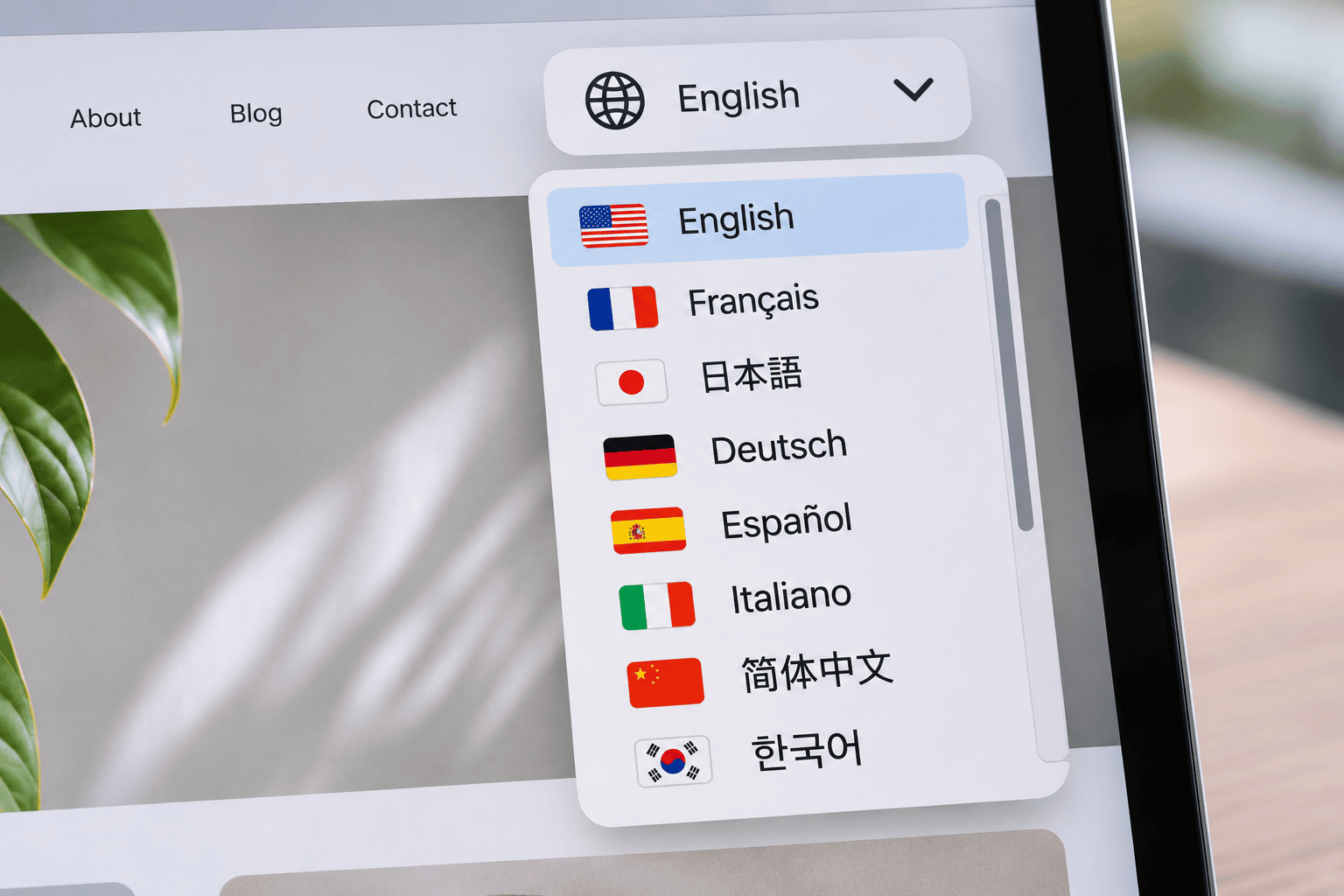
Webflow is usually cheaper to run for a small marketing site with one or two languages, while WordPress is usually cheaper as languages, editors and ecommerce are added. The total depends on locale count, team size and whether the site sells online.
Webflow lists its Premium Site plan at US$25 a month on yearly billing or US$39 a month on monthly billing for new purchases since 13 May 2026, with Localize add-ons charged on top per locale. WordPress software is free, but hosting, premium plugins, multilingual plugin licenses and ongoing maintenance are paid separately.
| Cost area | Webflow | WordPress |
|---|---|---|
| Platform or software | Site plan, billed monthly or yearly | Free open-source software |
| Languages | Localize add-on, charged per locale | Multilingual plugin license, usually a yearly fee |
| Hosting and security | Included in the site plan | Separate hosting, backups and security tools |
| Editors | Workspace seats | No per-user fees |
| Maintenance | Low; handled by Webflow | Ongoing updates and testing across languages |
Which Should a Multi-Market Brand Choose?
The right platform depends on whether the site sells online, how many markets it serves and who will edit it. The recommendations below reflect how we scope platform decisions for brands entering Singapore, Japan and the US.
- B2B or service brand, two or three languages, small marketing team: Webflow suits this profile, especially where design control and low maintenance matter most.
- Brand selling online in several markets: WordPress with WooCommerce, or Shopify, is usually the better fit, since Webflow’s Localize add-on isn’t available on Ecommerce Site plans.
- Content-heavy brand with large editorial teams: WordPress handles high content volume and many users without per-seat costs.
- Brand that needs country domains or regional hosting: WordPress allows ccTLDs, multisite setups and hosting close to target markets.
- Brand planning to add many locales: WordPress usually scales more predictably, because Webflow’s cost and features change by locale tier.
At Creative For More, we build multi-language WordPress and Shopify sites from our offices in Singapore, Tokyo and New York, and our web design and development team assesses Webflow where a brand’s existing site or design workflow already sits there. In multi-market builds we scope, the most common platform issue is choosing on design preference before confirming whether the site will need ecommerce or additional locales within two years.
If you’re deciding between Webflow and WordPress for a site that will serve several markets, we can review your market plan and recommend the platform that fits it. If your company is looking for a strategic marketing partner, the Creative For More team can help. Book a discovery call to explore how we can support your brand’s growth.
Read More

Geraldine Pang
Creative For More
Geraldine Pang is the founder of Creative For More, a cross-border digital marketing agency with offices in Singapore, Tokyo, and New York. She specializes in brand strategy, market entry, and cross-border marketing across Southeast Asia, Japan, and the United States.